With the growing trend, everything is changing, so is the CMS structure. In this blog, we’ll understand about the benefits and limitations of using a headless CMS over a traditional one.
We’ll also help you find the best headless CMS tools for your business that will help your content management system grow.
Keep reading to get in-depth information about the best CMS practice, along with the tips to select the best headless CMS tool.
What is a Headless CMS?
It is a content management system that separates the backend content from the frontend presentation layer. It is designed to deliver content via content delivery APIs instead of generating a whole HTML page. This is how content marketing works. This CMS with API-first architecture helps with flexibility across different platforms. This handles scalable headless CMS options and handles high traffic while integrating increased performance with static frontends.
Confusing right! In simple words, it is a system where you can store your content separately from how it looks on the frontend. The headless CMS can be referred to as a storage box, and the screen isn’t directly connected to it. Let’s understand Headless CMS’s benefits and limitations along with its use case.
What is the difference between Headless CMS and Traditional CMS?
The major difference between Headless CMS and Traditional CMS primarily depends on the architecture, delivery, and flexibility. In traditional CMS, content management works along with both frontend and backend structure; however, headless CMS only has full control on backend structure. Traditional CMS doesn’t need technical skills and is easy to use for beginners, but headless CMS needs a developer to operate. Let’s understand it with the help of a simple table.
| Feature | Traditional CMS | Headless CMS |
|---|---|---|
| Structure | Backend + Frontend together | Only backend |
| Design control | Limited (themes/templates) | Full control (customized frontend) |
| Ease of use | Can be handled by beginners | Needs developer |
| Flexibility | Less flexible | Highly flexible |
| Content delivery | Mostly website only | Website, app, IoT, etc. |
| Setup | Simple | Complex |
Different types of headless CMS solutions?
There are 3 main types of headless CMS solutions. API-first SaaS headless CMS, Git-based headless CMS AND hybrid headless CMS. All of these approaches are based on different strategies. Each of these types depends on content APIs for the flexible delivery of the content.
API-first Software-as-a-Service (SaaS)
These cloud-based hosting platforms are designed for CMS with API first architecture. This is done through a web interface with powerful frontend content delivery APIs. It works best for teams that want less server management and quick omnichannel setups. This works based on cloud services.
Git-based headless CMS
Git-based headless CMS tools help by directly storing your content in the Git repository. It is stored as Markdown, JSON, and YAML. This process helps content creators to use a customized user interface. In this system, it works automatically by translating the changes into a Git commit in the connected repository.
Hybrid headless CMS
A hybrid headless CMS can be used as both a traditional and a headless CMS. It comes with built-in functions like themes and templates. It also helps by sending APIs to different places, like websites and apps. A hybrid CMS can do both, from showing content on the website to sending the content to the app using an API.
Benefits of Headless CMS
It offers better flexibility, scalability, and performance compared to the traditional CMS system. It works by separating content from the presentation with the help of content APIs. This comes with an API that is suitable for faster innovation and omnichannel strategies. Take a look at some of the benefits of the headless CMS.
- Performance Boost: It helps with quicker page load by reducing the bounce rate and improving SEO.
- Scalability: It seamlessly handles traffic spikes since the backend and frontend are working independently. No chance of failure during peak time.
- Flexibility and Omnichannel: Supports headless CMS for omnichannel content delivery to apps, websites, and IoT.
- Security: Protect from cyber attacks with an isolated backend. It offers plugin vulnerabilities. Automatic and role-based security enhances the protection.
- Cost-Effective: It cuts the costs of long-term maintenance. It works on parallel workflows, which is best for reducing the add-on tool’s protection cost.
What are the disadvantages of headless CMS?
- More complexity: Customized frontends raise expenses and maintenance.
- No Visual Preview: Editors have to rely on developers for real-time content publishing and checks.
- Performance Issues: It can slow down the sites due to site overload.
- Integration Problems: Need to depend on a third party for integration. It also increases security risk.
What are the top 10 CMS platforms?
In this section, I’ll introduce you to the top headless CMS platforms for your website. Choose accordingly based on your needs and requirements.
Strapi
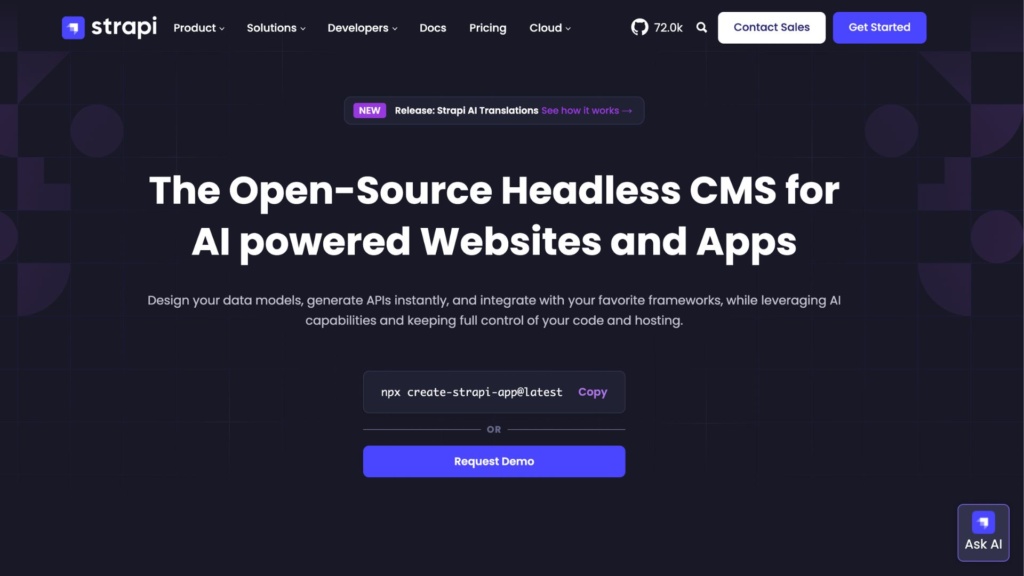
It is an open-source Node.js headless CMS. It is used for building sites and apps with the help of AI. It comes with users’ design data models, auto-generate APIs, and is self-hosted, along with full control over code. It is best for developers while integrating with the framework.
Key Features
- Visual modeling
- Auto API
- AI content generation
- Plugins
- I18n
- Self hosting
Pros
- Users appreciated the full control over the code feature.
- 100k+ Github stars
- Comes with developer-first customization
- Comes with a simple interface. Easy to use.
- Framework integration is the other factor loved by users.
Cons
- Node.js setup is needed.
- Self-managed hosting requires proficiency and accuracy.
- User complaints about the update bugs and migration failure.
- Some of the users complained about the plugin’s breakage problems.
- Dependency on developers increases cost.
Prismic
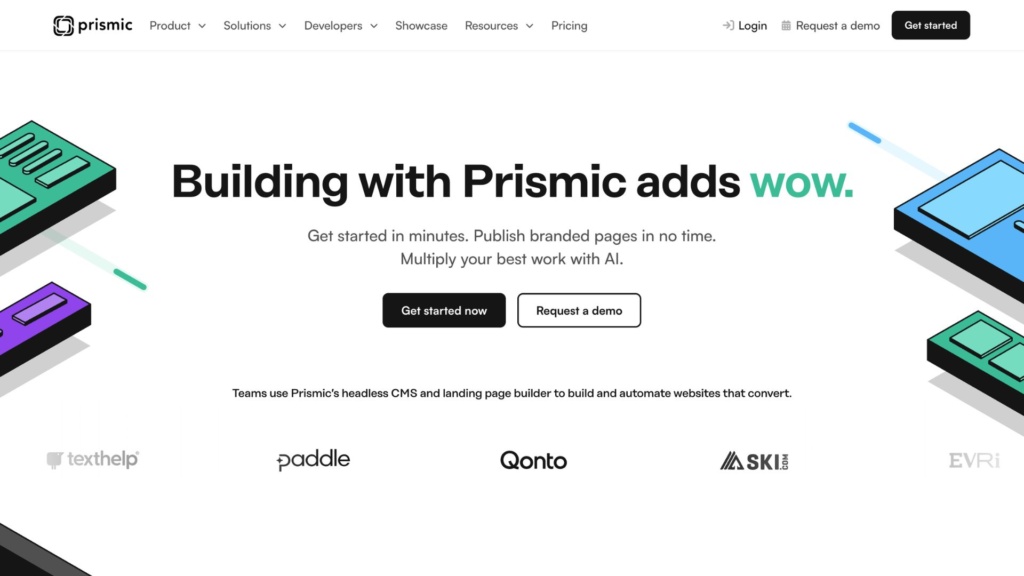
It is a cloud-based headless CMS (content management system). It is designed to help marketers and developers to manage and publish content using modern web frameworks. It helps teams to make the best content and component-driven websites. Additionally, separating content from code improves workflow and consistency.
Key Features
- It includes a page builder for Next.js, SvelteKit, and Nuxt.
- Comes with in-built AI automation
- Al Automation and live preview are useful for the user to check in real time.
- It also includes Shopify integration for an e-commerce business.
Pros
- The tool delivers market-friendly editing.
- Quick site launches and dedicated SDKs helps enterprise in increased scalability.
- Easy-to-understand interface with clean APIs.
- It comes with editing and viewing.
Cons
- Provides a limited SaaS model.
- Useful features need a subscription plan.
- Lack of UI extension.
- Slow admin performance
Payload CMS
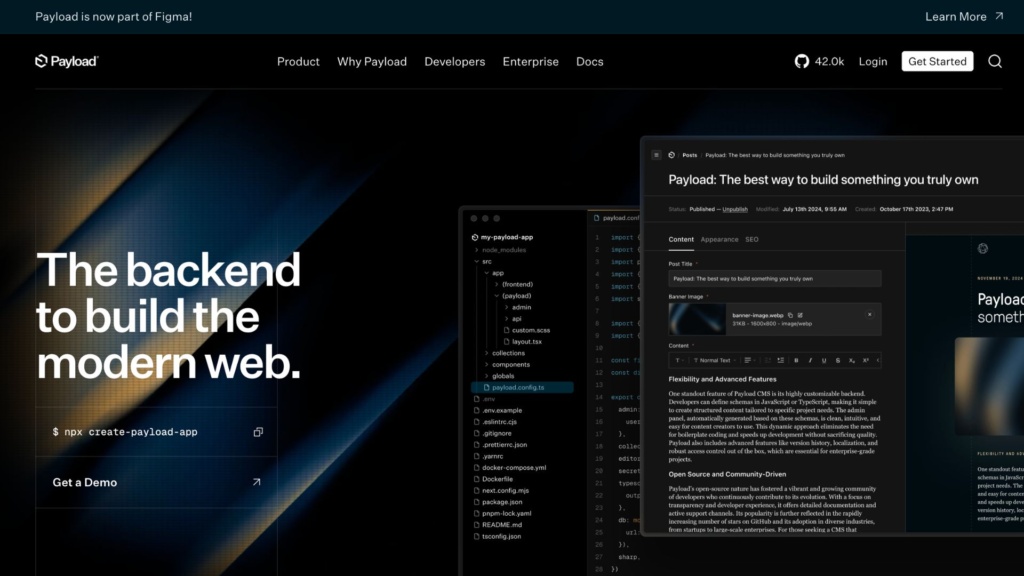
It is a typescript-based platform that helps to make e-commerce websites and applications. It provides developers with self hosting feature. Payload support API-driven backend for managing and structuring the website’s contents.
Key Features
- Auto-generated REST and GraphQL API.
- Works with native Next.js.
- Content modeling is defined in code.
- Had built-in features of authentication, file uploads, and role-based access.
Pros
- It is extremely easy and flexible for developers.
- Have full control over APIs and the data model.
- Supports UI for editing.
- Clear interface and architecture for modern content management.
Cons
- It requires excellent coding knowledge to operate.
- Not for a non-tech person.
- Increased expenditure on developers.
Directus
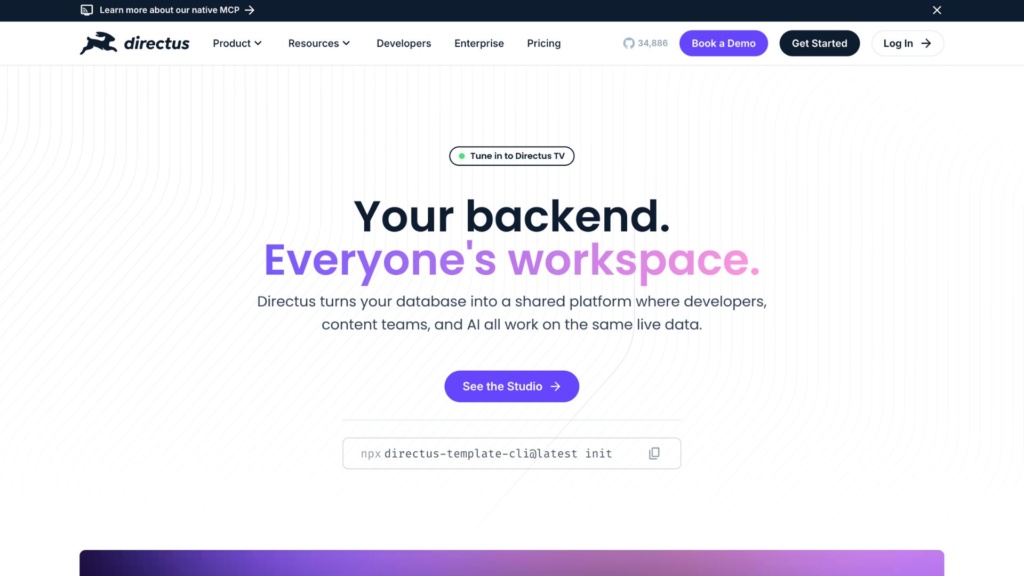
It is also an open-source data platform that supports headless CMS. It simplifies SQL databases and generates REST and GraphQL for content management. It is used to customize websites and apps.
Features
- It includes over 100 extensions.
- Directus helps by converting an SQL database to REST or GraphQL.
- Compatible AI analysis for the website.
- Automation flow for managing files.
- Also includes workflow automation, role-based permission, and real-time data access.
Pros
- Can be directly integrated with the existing database.
- Best for applications with heavy data.
- Instant API generation saves time spent.
- No code is required for the UI extension.
Cons
- Customization is required for the extension users.
- The interface looks complex.
- Need developers for the setup.
- Websites with a huge database can feel that the plugin ecosystem is insufficient.
- Some of the common user complaints include SQL bugs, login issue and weak layout control.
Contentstack
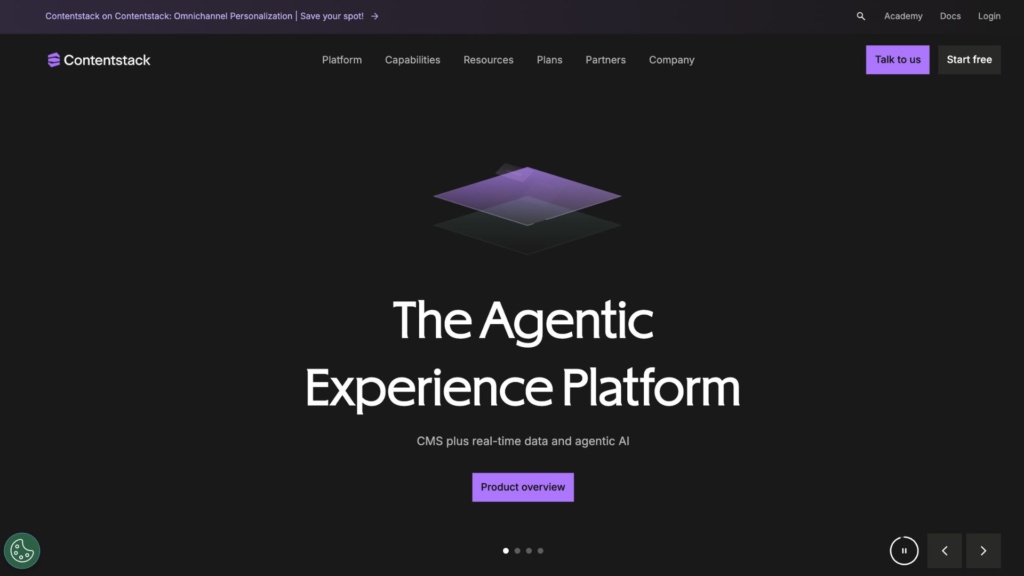
It is a cloud-based headless CMS, which comes along with a better digital experience. It is used to create, manage, and deliver customized websites and app content. It works with API first tool and supports modern web templates.
Key Features
- Includes Polaris AI feature for customization and editing.
- Provides 50+ integration channels.
- It is powered by CDN omnichannel delivery.
- Advanced features include workflow automation, role-based collaboration, and multi-environment setup.
Pros
- Suit best for a larger team with a huge database.
- It provides robust CDN performance.
- Provides enterprise-level support and security.
- It can handle a global scale with the collaboration of marketers and developers.
- Composable architecture and strong security features are useful for better protection.
Cons
- It can be expensive for the organization with a smaller team.
- The onboarding and website setup can be complex for new users.
- Need improvement for customized editing and flexibility.
Webiny
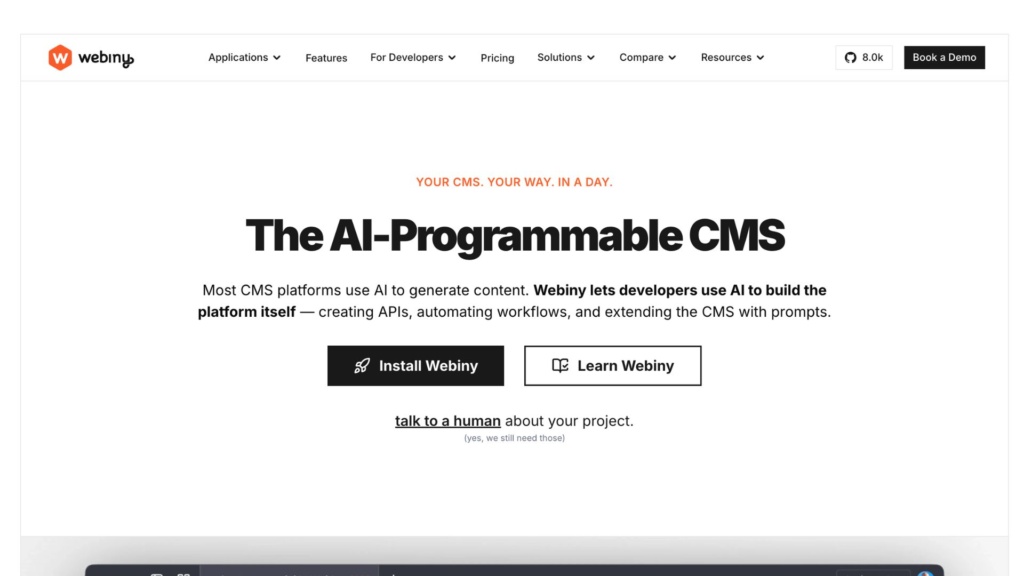
It is a serverless headless CMS. It is mainly used by developers to create and manage websites and apps. It is a cloud-based platform. The main aim of this tool is to increase scalability, flexibility, and security. Webiny is popularly known for its GraphQL-based API.
Key Features
- It is built with TypeScript and a GraphQL API.
- It supports multiple projects in one go.
- Provides advanced publishing workflows.
- Webiny comes with built-in features like a page and form builder.
- Support CI and CD integration.
Pros
- Serverless auto scaling is useful for website automation.
- An open-source feature is useful for customization.
- Gives full control over designing and editing.
- Provides built-in page builder, assets, and workflow.
Cons
- Requires AWS knowledge to operate.
- Not recommended for a simple website, this will make it more complex.
- Serverless architecture requires an understanding for beginners.
Agility CMS
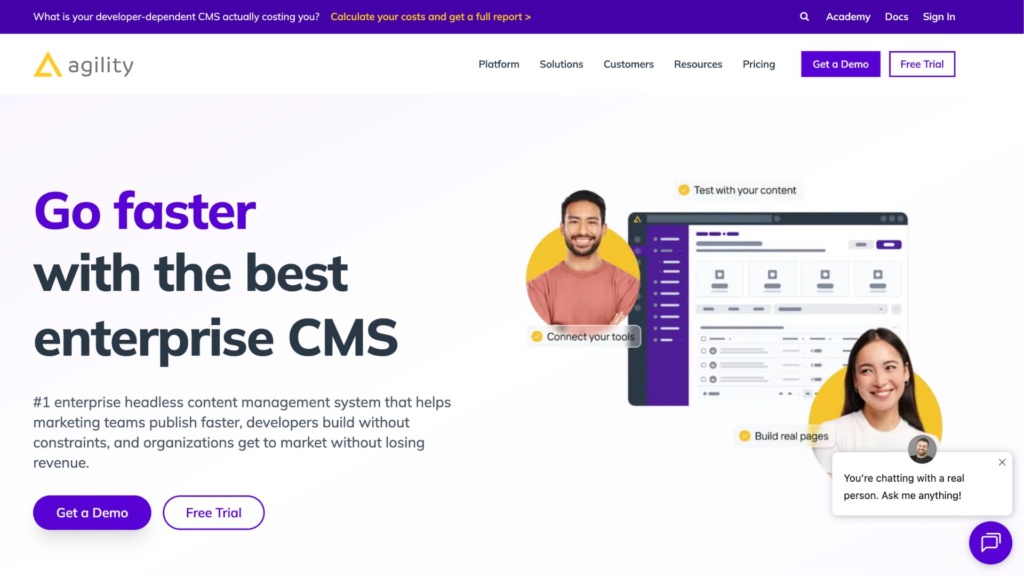
It is a cloud-based headless CMS, which is designed to help enterprises manage and deliver content suitable for display on different API platforms like websites, applications, and IoT. It serves popular brands like Mitsubishi Electric and Cineplex
Key Features
- It supports structured content modeling and visual content management.
- The site is compatible with omnichannel delivery, content reuse, and faster workflow.
- Can be used for both developers and marketers.
- Provides an API headless CMS with hybrid capabilities.
Pros
- Multilanguage support is one of the most praised features of Agility CMS.
- Faster content performance and delivery.
- Easy for marketing teams to manage content as it requires less technical knowledge.
- A hybrid approach can reduce the effort of developers.
Cons
- Less flexible than the tools that priorities developer first, CMS.
- Limited customization, when compared to other open source CMS tools.
- Expensive for smaller teams.
- Limited free tier based on the project.
- According to some users, UI customization is troublesome.
Kontent.ai
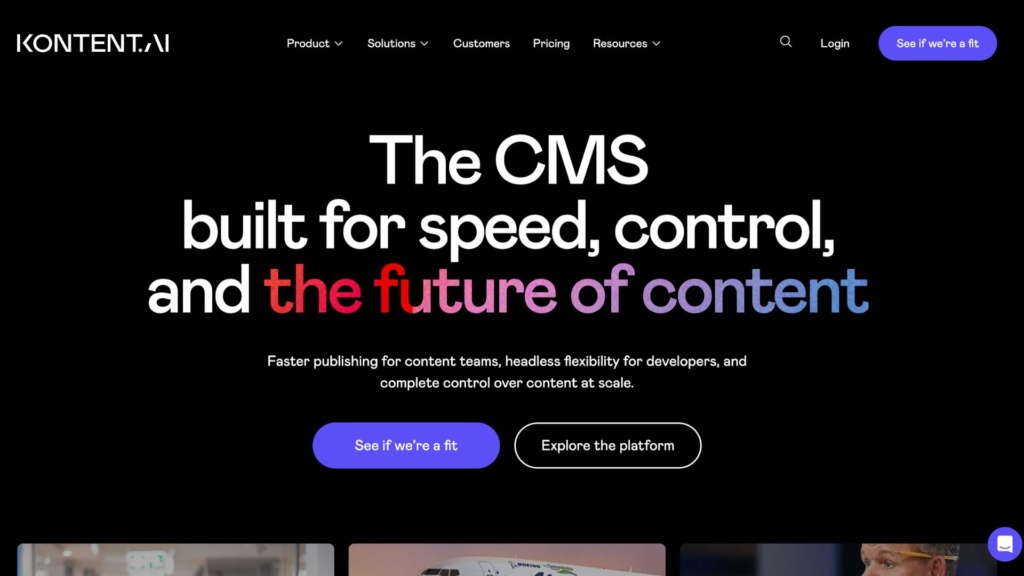
Kontent.ai is a cloud-based CMS that is designed for teams seeking speed and flexibility. It serves global clients across different industries.
Key Features
- It helps with the enterprise with API-first architecture.
- Content modeling and structuring content are other helpful features noted by users.
- Collaboration tools and workflow automation help with increased efficiency.
- It supports omnichannel delivery across different websites, apps, and devices.
Pros
- Fast delivery and reduced risk workflow.
- Super for complex omnichannel APIs.
- Controls balance with ease.
Cons
- Good for a larger team, can be expensive of smaller company.
- Provides limited flexibility in comparison to other CMS tools.
- Setup time for customized content takes time.
dotCMS
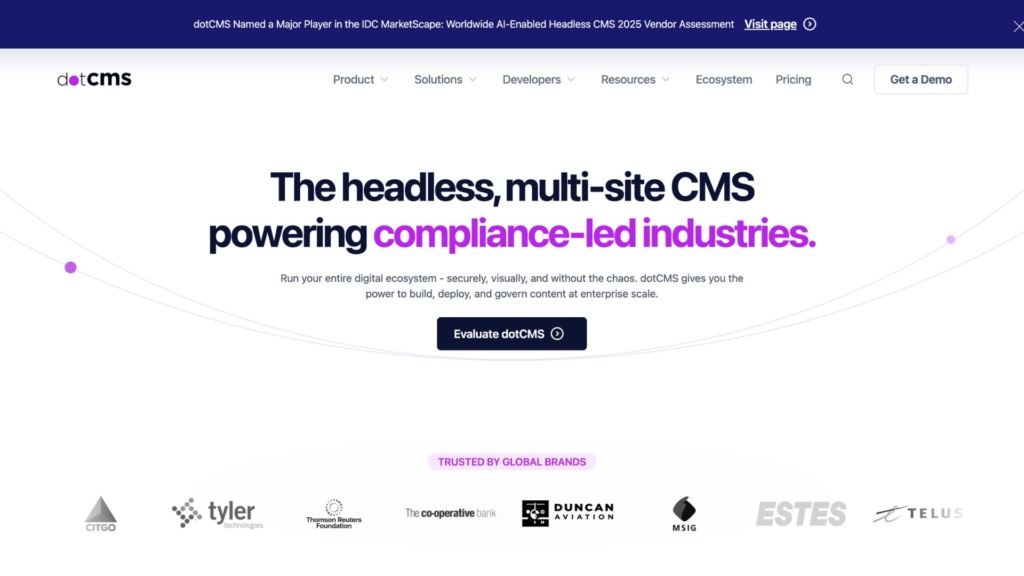
It is a complete website for a headless CMS. It has build-in feature that automates the content management. It works on API-first delivery.
Features
- Content personalization
- Hybrid modes
- Visual editing
- Pull and push publishing
Pros
- Provides strong personalization and marketing features.
- It helps in combining CMS and DXP in a single platform.
- Supports multi-sided setups.
- Developer-friendly APIs
Cons
- Complex setting for non-tech users.
- Requires technical expertise for implementation and management.
- UI is difficult and complex to use.
- Java based core feels outdated.
Magnolia
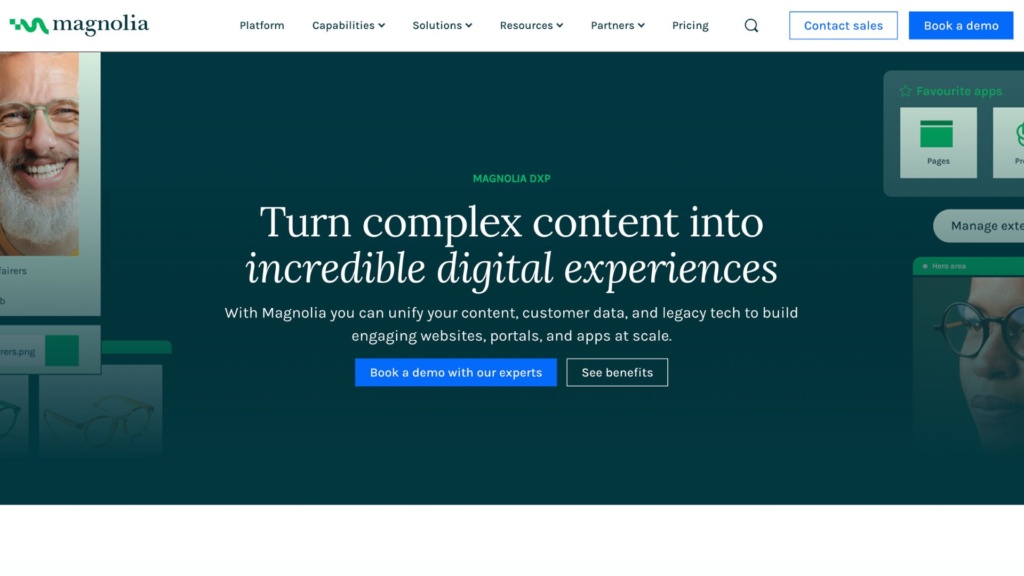
It is a Java-based content management platform that operates using a JCR repository to search, retrieve, and store data. It uses Apache Jackrabbit for API integration.
Key Features
- GraphQL and REST APIs
- DXP integration
- Hybrid headless CMS
- Customized development
Pros
- Users appreciated its reliability and security.
- It has over 20 years of experience in the field.
- Hybrid flexibility helps both developers and the content team.
- Provides robust APM and composable architecture.
Cons
- Licensing costs are high.
- Hard to use without developers
- The Java ecosystem feels limited and needs modern JS development.
- Take longer onboarding time than SaaS supporting CMS tools.
Headless CMS comparison and pricing
| CMS / Feature | Type | Hosting | Primary Use | Free Plan | Starting Price |
|---|---|---|---|---|---|
| Strapi | Open-source + Cloud | Self-hosted / Cloud | Developers + flexible projects | Yes | ~$45/month |
| Prismic | SaaS | Fully hosted | Marketing & content teams | Yes | ~$150/month |
| Payload CMS | Open-source + Cloud | Self-hosted / Cloud | Developers / SaaS apps | Yes | Free |
| Directus | Open-source + Cloud | Self-hosted / Cloud | Data-driven applications | Yes | ~$99/month |
| Contentstack | SaaS (Enterprise) | Fully hosted | Enterprise platforms | No (demo only) | Custom |
| Webiny | Open-source (Serverless) | Self-hosted (AWS) | Serverless apps / SaaS | Yes | Free (infra cost) |
| Agility CMS | SaaS (Hybrid) | Fully hosted | Marketing + dev teams | No | Custom |
| Kontent.ai | SaaS (Enterprise) | Fully hosted | Enterprise content operations | No | Custom |
| dotCMS | Hybrid CMS + DXP | Self-hosted / Cloud | Personalization platforms | Limited trial | Custom |
| Magnolia CMS | Hybrid CMS | Self-hosted / Cloud | Multi-brand enterprises | No | Custom |
How to choose the right headless CMS?
Choose the best headless CMS based on your technical needs, team size and skills, budget, and organization goals. Keep in mind to ensure it supports omnichannel content delivery. These are some of the points that you need to consider while choosing the right headless CMS for your business.
- Evaluate the business need by identifying the requirements, such as multisite support and localization.
- Ensure content delivery APIs can handle websites, apps, and IoTs via a CMS and API first architecture.
- Check the technical fits like SaaS, self-hosting for control, or Git based for static sites.
- Test previews content modeling and visual editing for non-tech developers.
- Check whether the subscription plan comes under your desired budget. Choose based on your company and team size.
- Take a quick review check by different reviewing sites for an authentic user review. Check websites like G2, Capterra, and Trustpilot for reliable results.
- Take a quick trial plan for a better understanding of the tool for the organization.